
Setting up NSMBe5 on Linux
Regardless of a personal choice, a need of freedom or no choice at all, many people are using or switching to Linux. It has great advantages, but when it comes to NSMB modding, it becomes a little bit harder.
In this tutorial, I will cover how to install and run NSMBe5 on a Linux computer.
Requirements :
Step 1: Install PortProton
Method 1: Via Flathub (recommended)
Follow the Flathub setup guide, then install the app by opening a terminal and typing
flatpak install flathub ru.linux_gaming.PortProtonIf it doesn't work or you need admin rights, check the second method.
Method 2: Manual installation
Go to flathub.org/apps/ru.linux_gaming.PortProton and hit “download”. This will download a .flatpakref file.
The file should appear in your Downloads folder. If your browser asks you where it should save it, choose a location that you will remember.
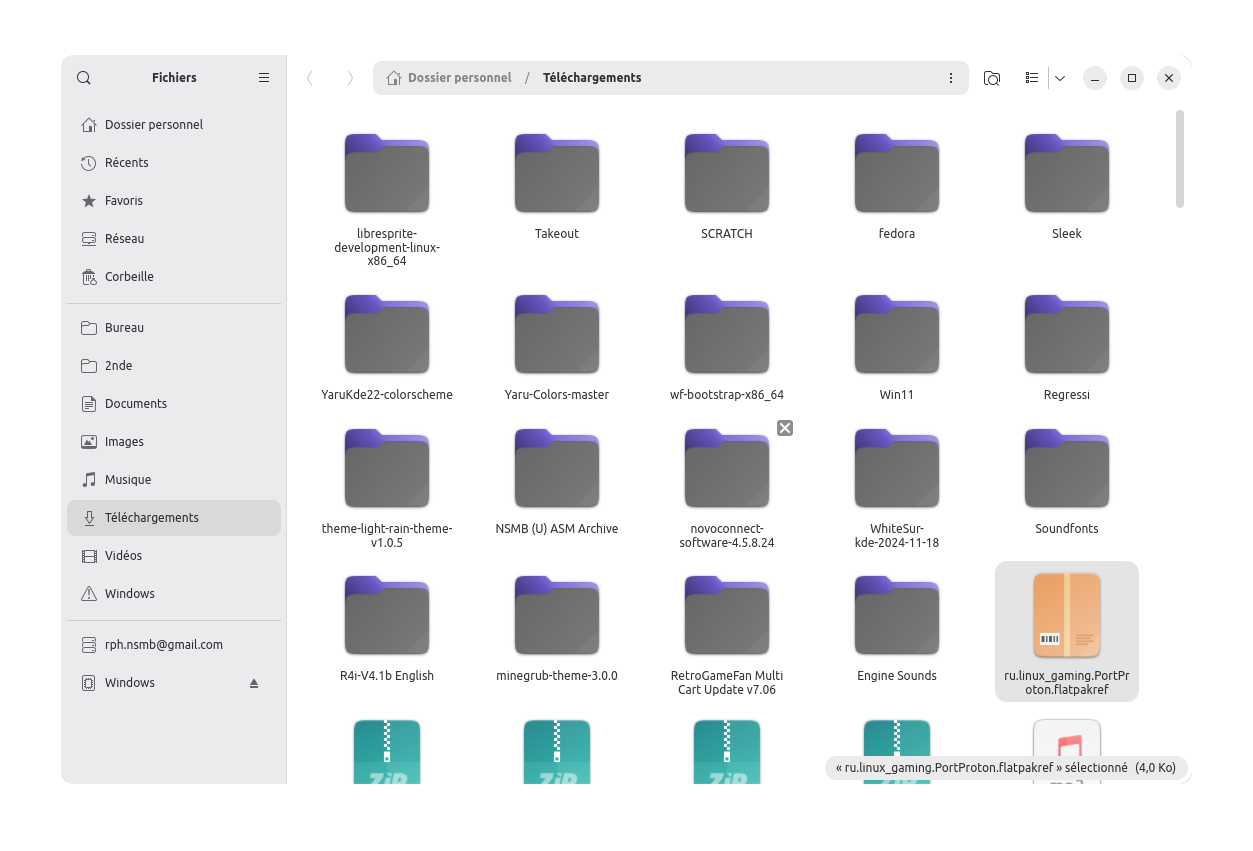
Go to the file's location, do a right-click on an empty space and select "Open in a terminal" From there, type the following command:
flatpak install ru.linux_gaming.PortProton.flatpakrefIf it doesn't work because admin rights are needed, try the following command instead:
flatpak install --user ru.linux_gaming.PortProton.flatpakrefIf this method still doesn't work, ask us in NSMB Central.